FUTU HK Help Center-Instruction for lock screen widget
English
Back
Open Account

Instruction for lock screen widget

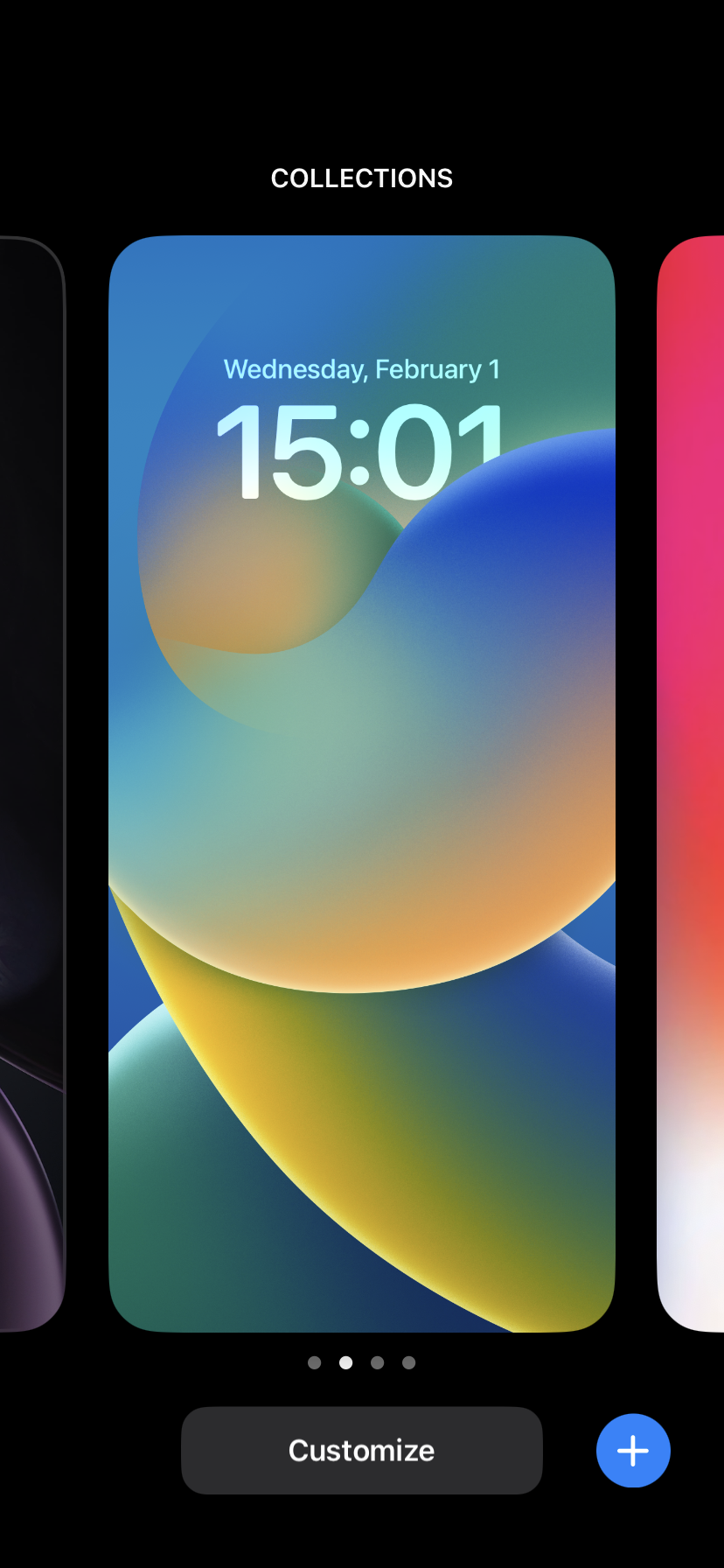
1. Touch and hold the Lock Screen until the Customize button appears, then tap Customize.

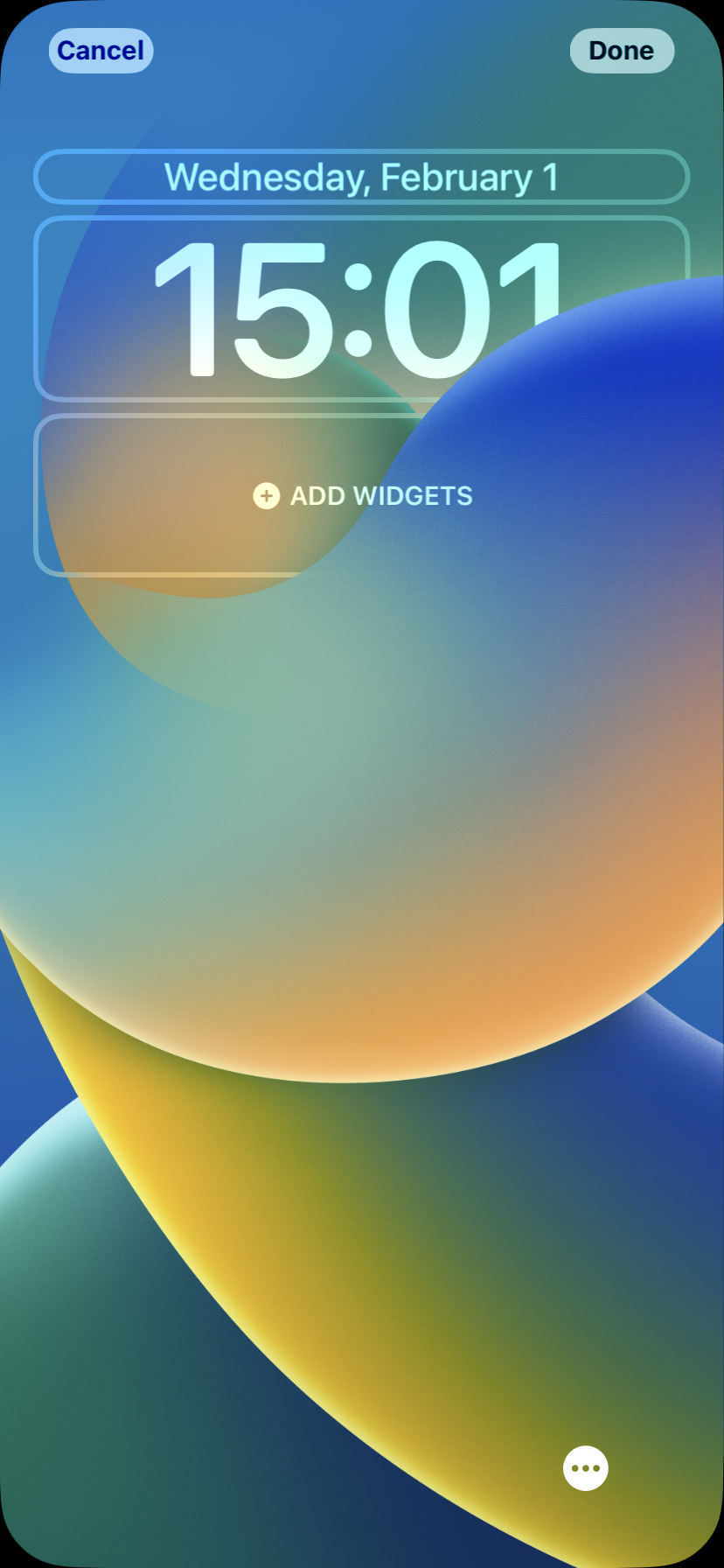
2. Tap Add Widgets.

3. Find and tap widget.
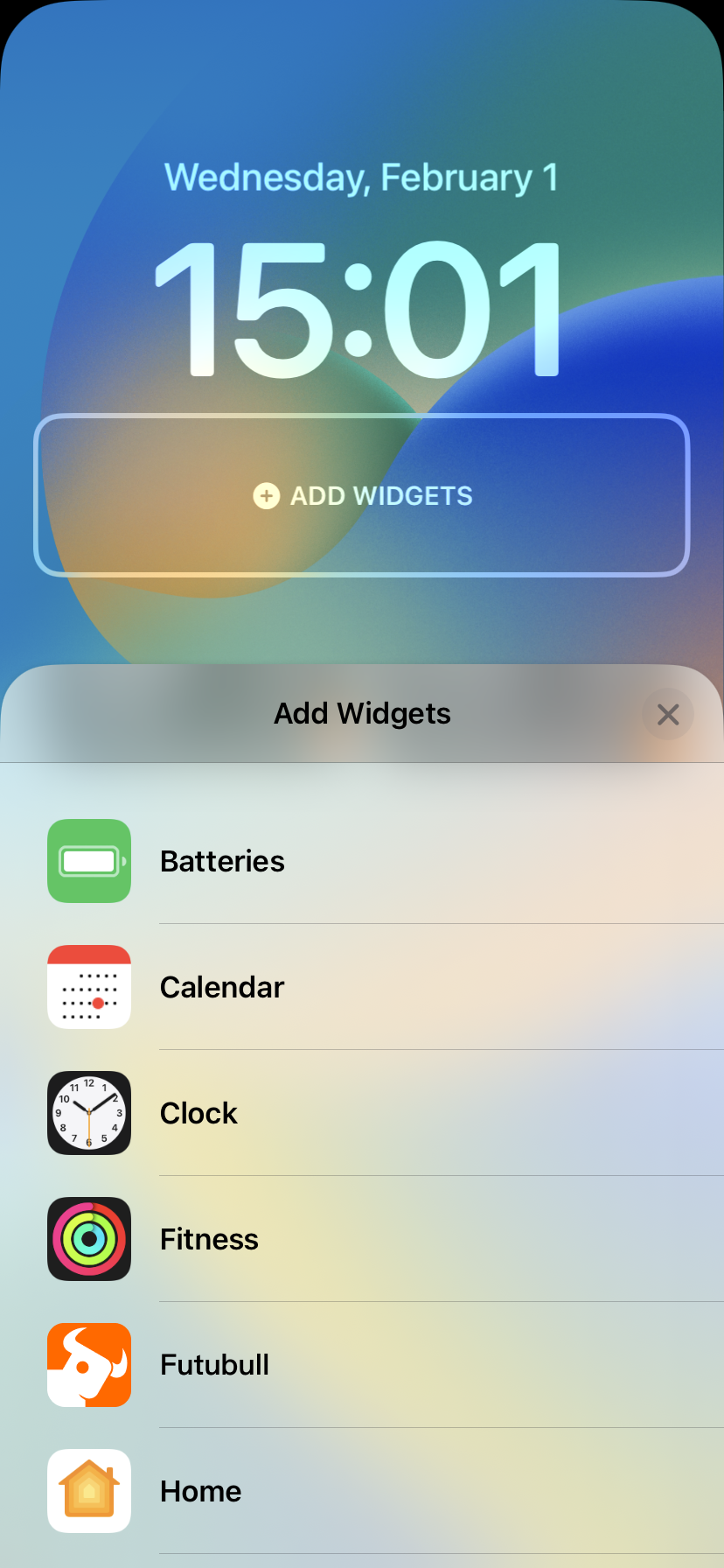

4. Select the type of widget you would like to use, then tap Done.


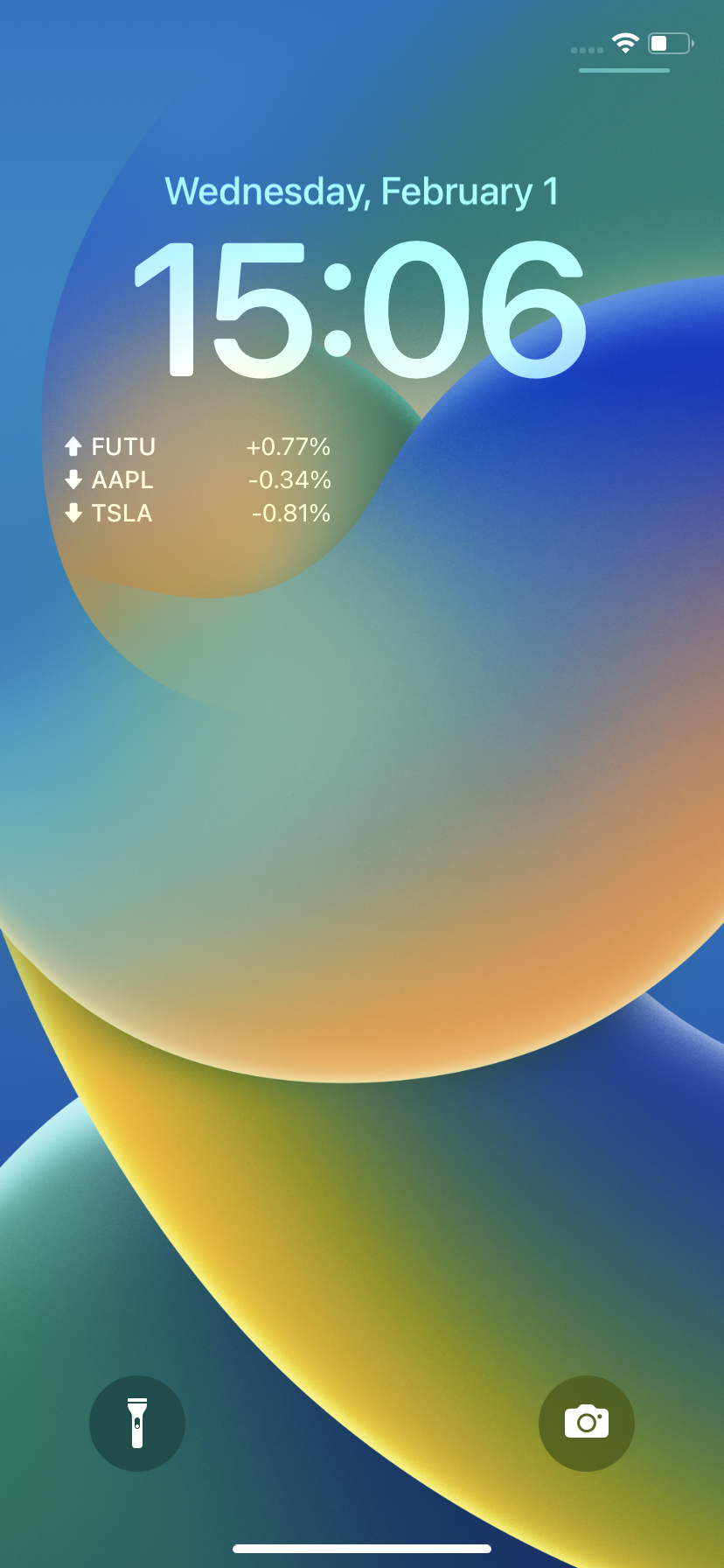
Here is how the widgets look like on your Lock Screen:
Market Insights
Middle East conflict spreads to the stock market! How should investors respond?
According to Saudi sources, the United States and Iran will hold a new round of talks in Islamabad, the capital of Pakistan, after the end o Show More